Controlled early access

Your notes, reachable by any AI, anywhere.

Noteor keeps your thinking in ordinary Markdown files—and gives the AI tools you choose a safe way to reach them, even when your laptop is closed.

Requires macOS 12.3 or later.

Markdown filesLocal-firstConcurrent-safe
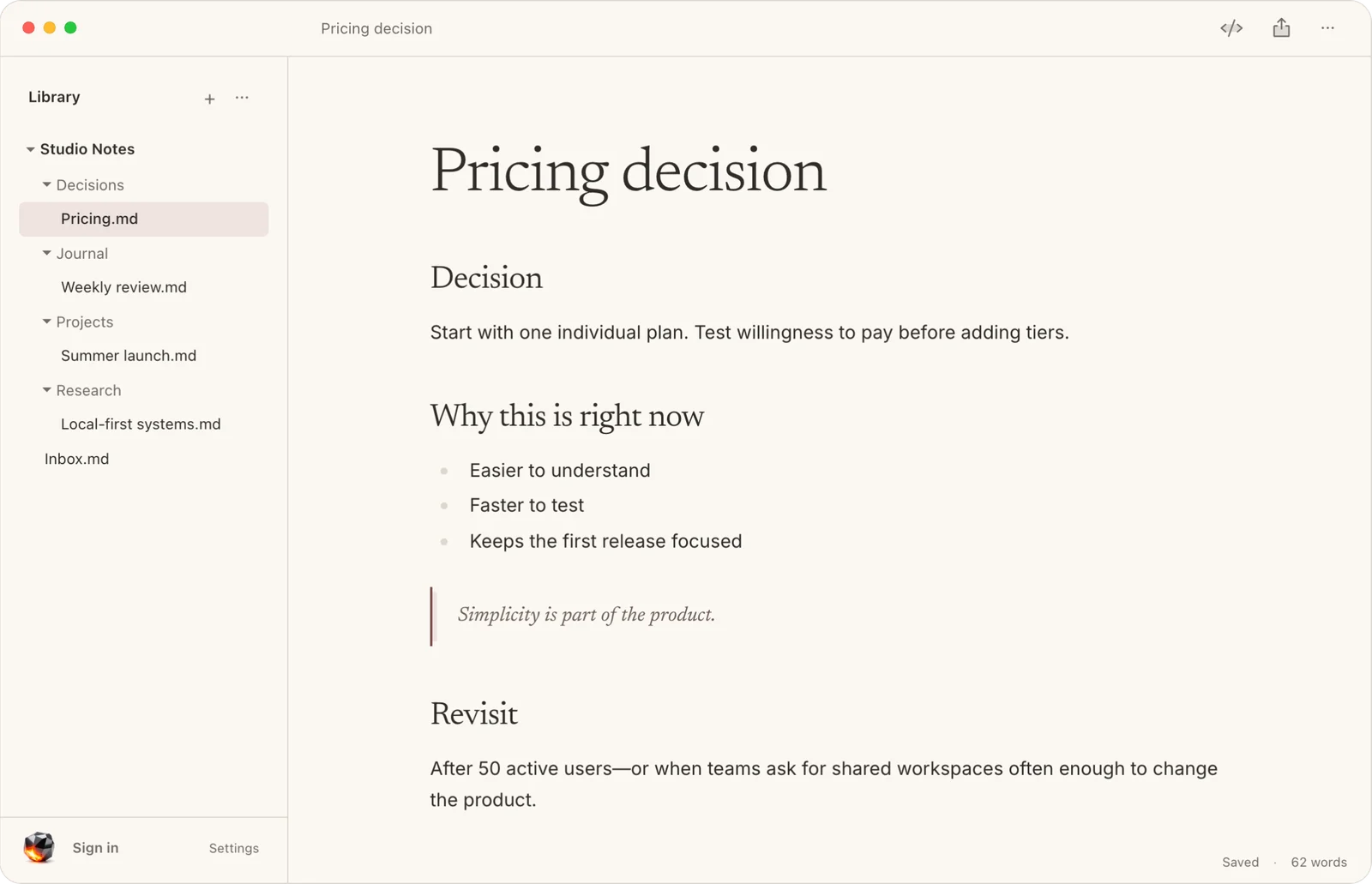
Noteor for Mac showing a note titled Pricing decision

One shared memory

Your thinking stays close, whatever is in front of you.

Find a decision at your desk, capture a thought on your phone, and hand the same context to an AI. It all returns to the same ordinary files.

01 · Find

Pick up the thread without breaking your flow.

Search across your workspace and jump straight to the note you need. Clear folders and filenames keep the same library useful to you, your editor, and your agents.

One searchable library of ordinary Markdown files
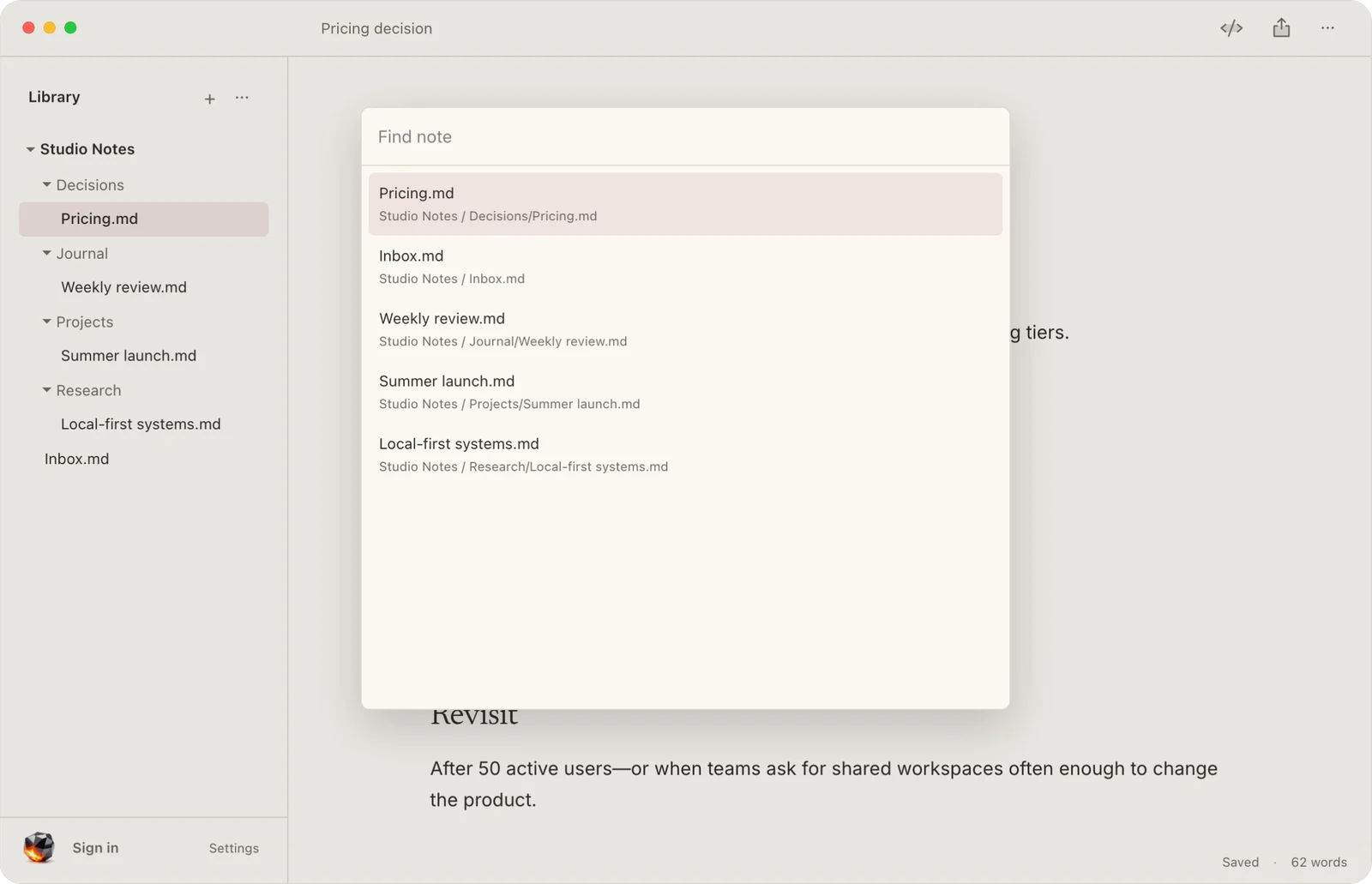
Noteor for Mac searching a Studio Notes workspace for a note
Search and navigate the same files that live on your Mac.

02 · Capture

Catch the idea before it disappears.

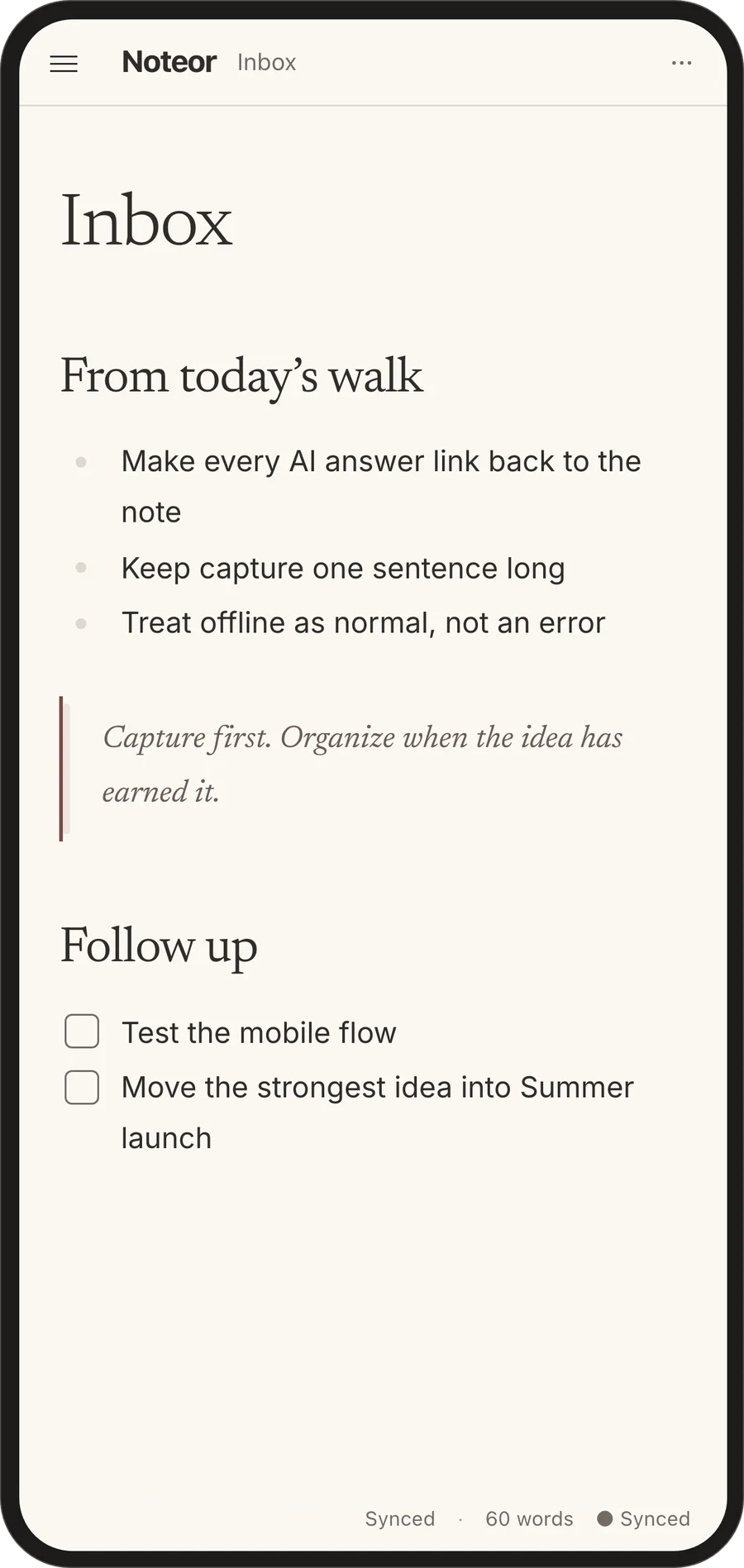
Open your inbox from your phone and get the thought down. Organize it later, when it has earned a permanent home.

Noteor on mobile showing an Inbox note with ideas captured during a walk
Synced and ready when you return to your desk.

03 · Carry

Your whole workspace travels with you.

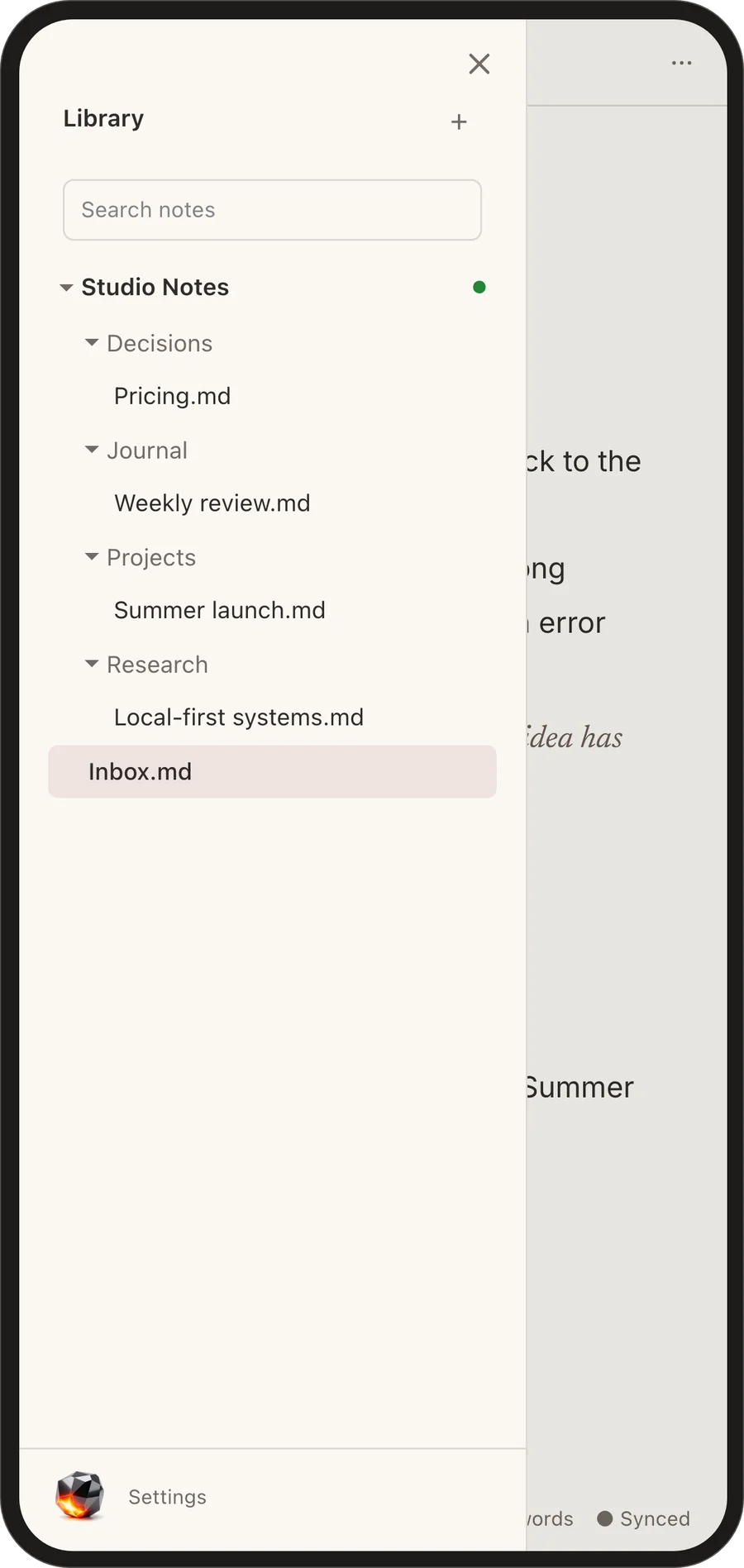
Browse the same projects, research, decisions, and journal from the browser. Your structure stays familiar on every screen.

Noteor on mobile showing the Studio Notes workspace library
The same notes, folders, and source of truth.

Built around your files

Your notes are the source of truth. Not an export.

Noteor starts with a folder of Markdown files on your computer. They stay readable, portable, and useful without Noteor—or the internet.

Works offlineYour notes remain on your devices and open in any editor.
Merges concurrent editsYou and an agent can type without overwriting each other.
Preserves Markdown bytesSync and agent edits do not silently reformat your files.
Available while your Mac sleepsConnected tools can reach synced notes through Noteor’s relay.

How it works

One connection. Your notes, everywhere.

  1. 1

    Choose a folder

    Noteor works with ordinary Markdown notes already on your Mac.

  2. 2

    Connect your AI

    Add Noteor as a connector. You choose which workspace it can reach.

  3. 3

    Keep thinking

    Ask, capture, or edit. Changes converge across your devices and tools.

Controlled early access

Your thinking deserves to travel with you.

Noteor is currently available to invited accounts while we test the complete desktop, mobile, web, and AI workflow.